
Christmas Gift & Budget Planner — Printable PDF (A4 + US Letter, Light & Dark Mode) + Excel/Google Sheets Tracker PDF editable
✎ EDITABLE PDF: fillable form fields — type directly on your computer.
How to fill it in (easy):
1) Download the PDF and open it in the free Adobe Acrobat Reader (computer).
2) Click any line, box or table cell and type. Click tick boxes to tick them.
3) Save (Ctrl/Cmd + S) — your text stays in the file and prints too.
Phone/tablet: use the free Adobe Acrobat Reader app; built-in phone previews and browsers often don't let you type. GoodNotes/Notability: write with the pen or use the text tool.
A picture guide is on the LAST page of the file.
ONE universal file that prints on A4 and US Letter (no cropping) — no need to choose a size.
Plan every gift and keep your Christmas budget calm.
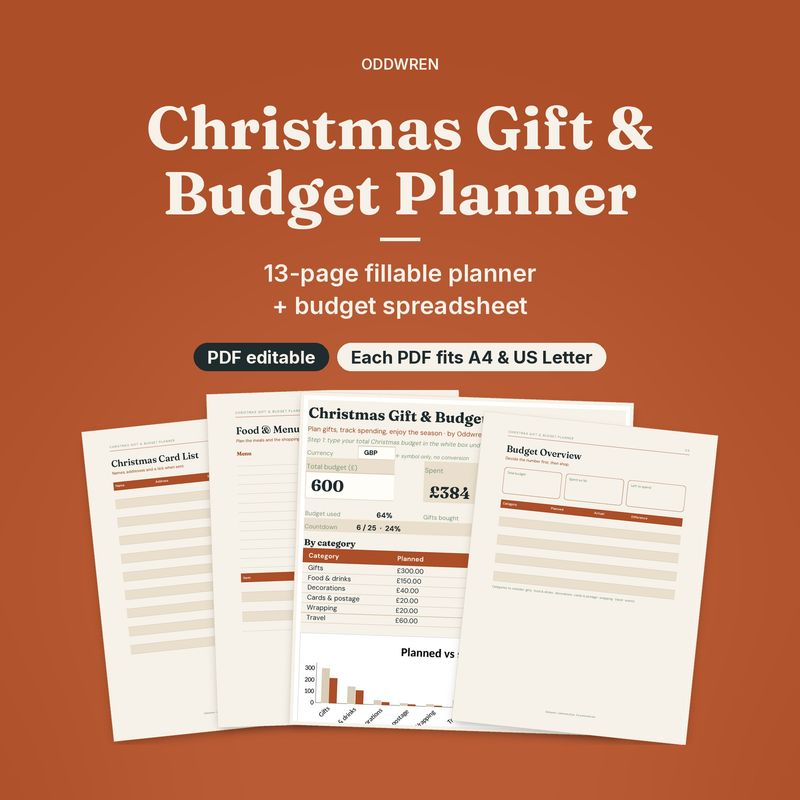
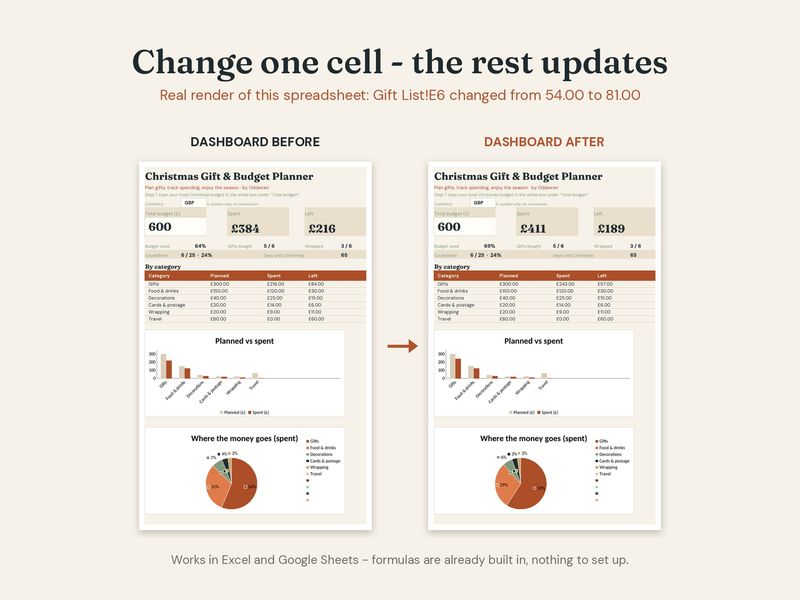
This digital planner gives you a quiet, tidy way to see who you are buying for, what you planned to spend and what you have actually spent. Print it, write on it, or use the spreadsheet version that adds the totals for you.
What you get
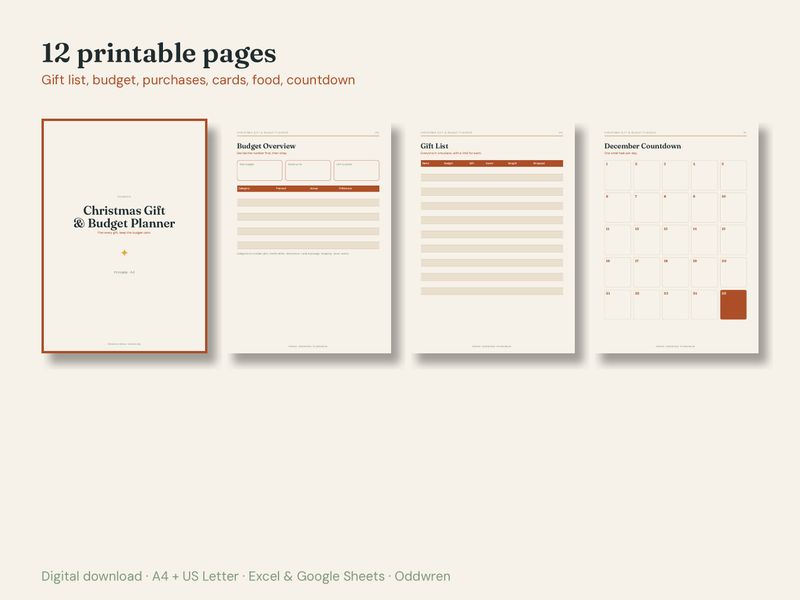
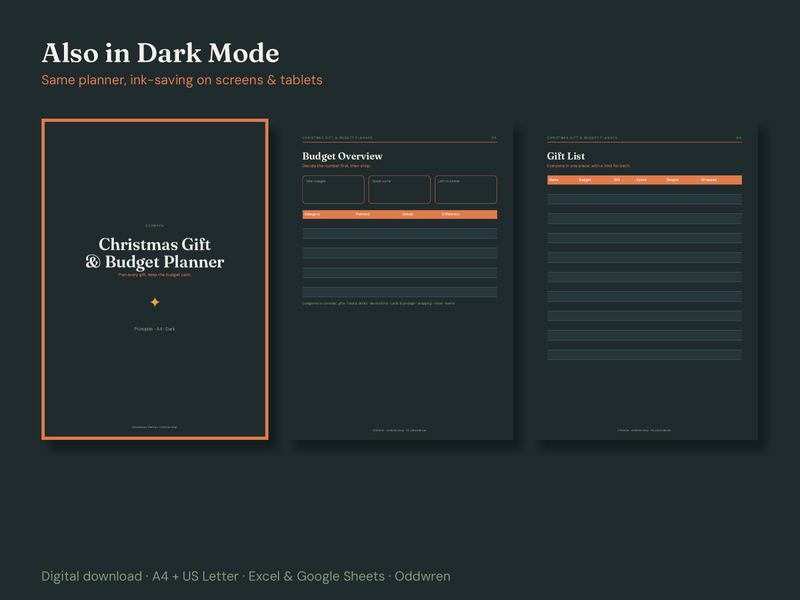
- 12-page printable PDF in light and Dark Mode (2 PDFs), each one universal file that prints on A4 and US Letter
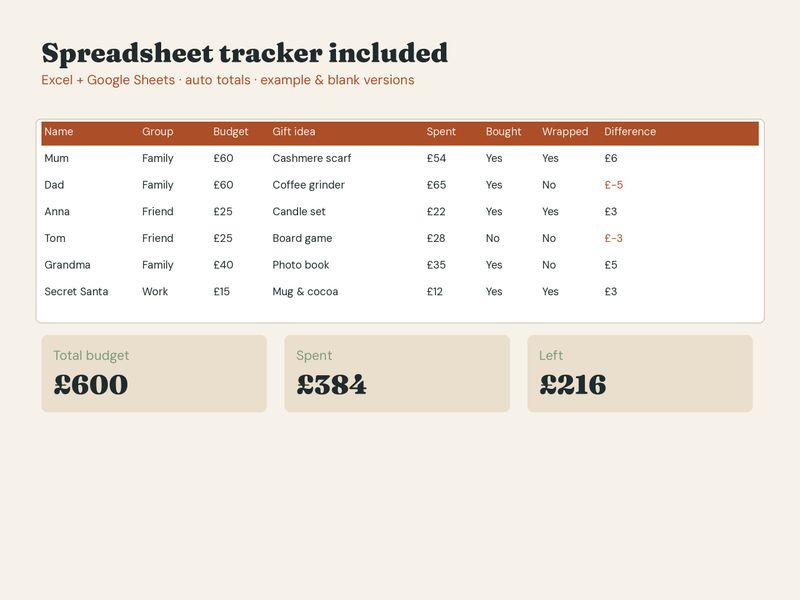
- Spreadsheet tracker for Excel and Google Sheets, with automatic totals
- Two spreadsheet versions: one filled with example data so you can see how it works, and one blank
- Quick-start guide
Pages inside
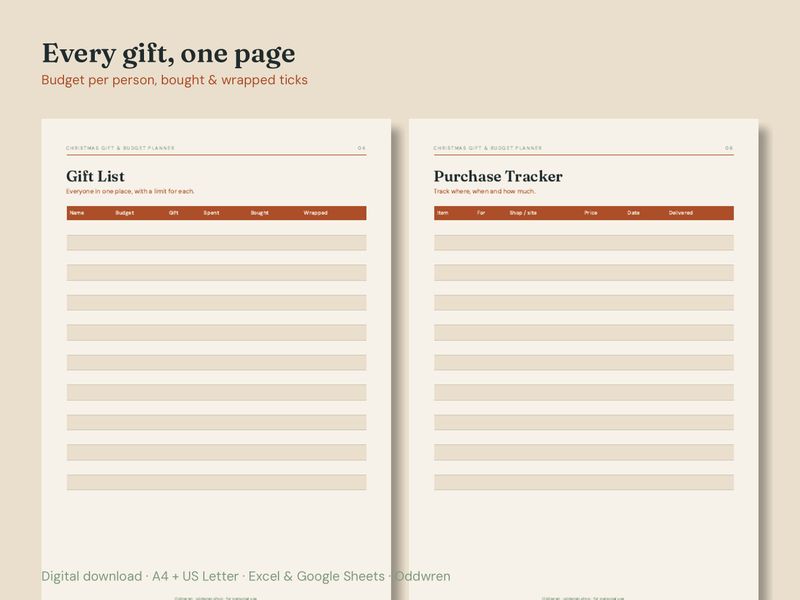
Budget overview · Gift list with per-person budget · Gift ideas · Purchase tracker · Stocking fillers · Christmas card list · Food & menu budget · December countdown (1–25) · Wrapping & delivery checklist · Notes
How it works
- Download the files after purchase (no physical item is shipped).
- Print at 100% / "Actual size" at home or at a print shop, or open the spreadsheet.
- Google Sheets: File > Import > Upload the .xlsx file.
Good to know
- Digital download only. Colours may look slightly different on screen and paper.
- For personal use. Please do not resell or share the files.
- Prices in the spreadsheet use £; change the currency format in one click if you need $ or €.
How this was made
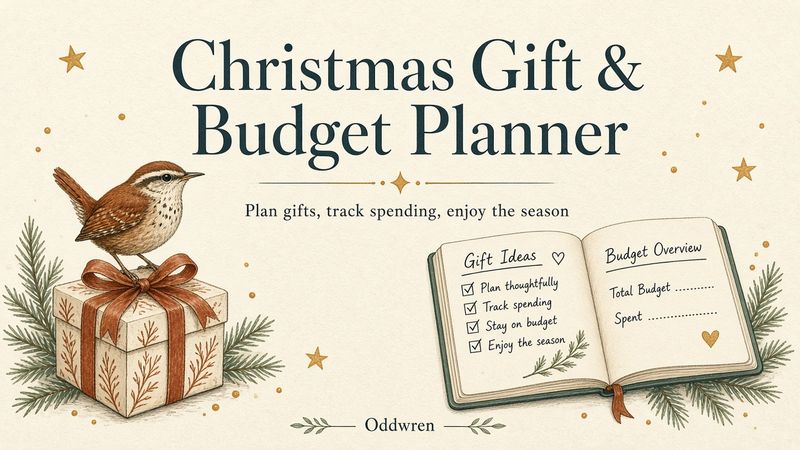
I'm Herman and Oddwren is my small studio. I designed the page layouts and spreadsheet and build them with the help of software tools. The cover illustration was made with an AI image generator and then checked and edited by me. All pages and formulas were tested in print and in Excel/Google Sheets.
Questions? Send a message and I'll help.
Oddwren by Herman · oddwren.shop