
Meal Planner & Grocery List — Excel & Google Sheets (Auto Grocery List, Recipes, Basket Cost) + 8-Page Printable PDF editable
✎ EDITABLE PDF: fillable form fields — type directly on your computer.
How to fill it in (easy):
1) Download the PDF and open it in the free Adobe Acrobat Reader (computer).
2) Click any line, box or table cell and type. Click tick boxes to tick them.
3) Save (Ctrl/Cmd + S) — your text stays in the file and prints too.
Phone/tablet: use the free Adobe Acrobat Reader app; built-in phone previews and browsers often don't let you type. GoodNotes/Notability: write with the pen or use the text tool.
A picture guide is on the LAST page of the file.
ONE universal file that prints on A4 and US Letter (no cropping) — no need to choose a size.
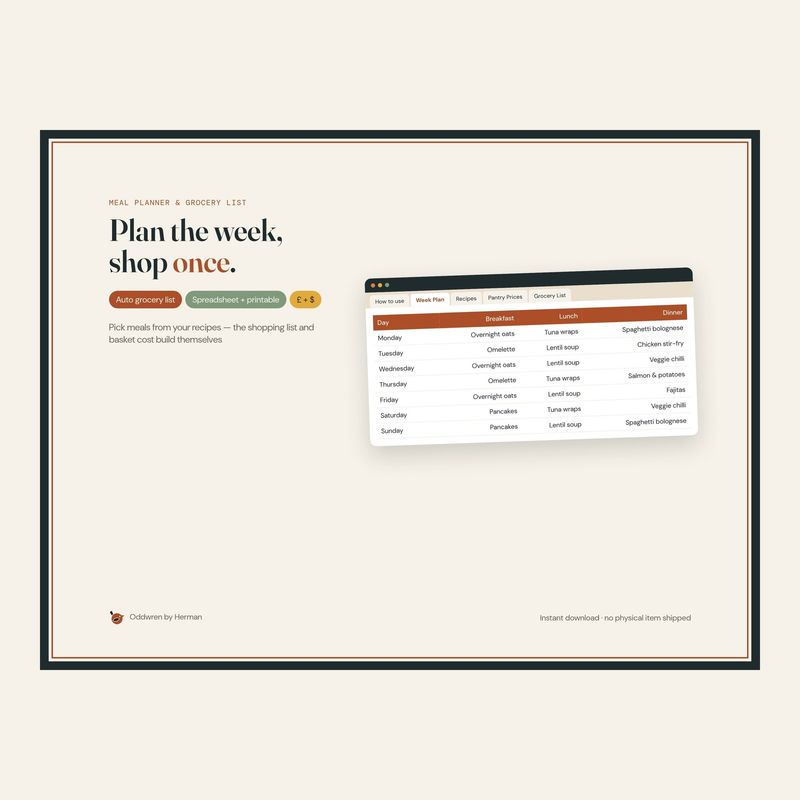
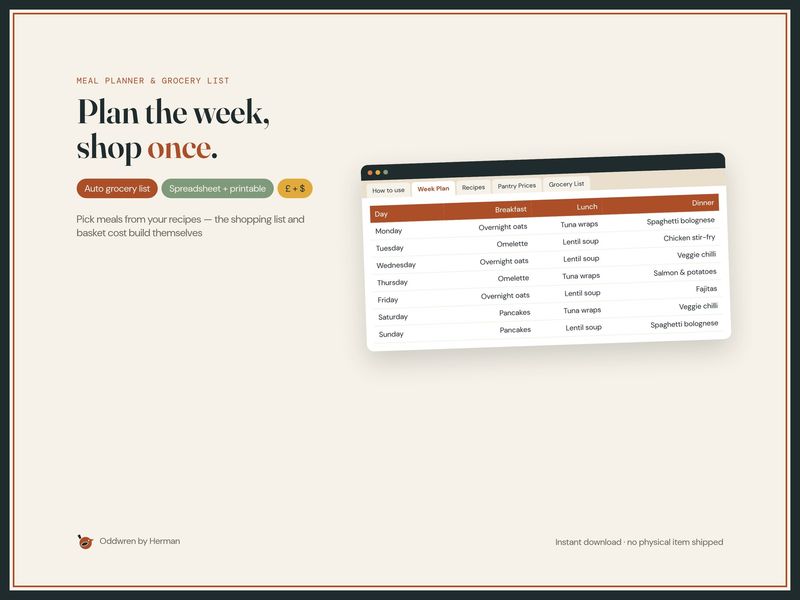
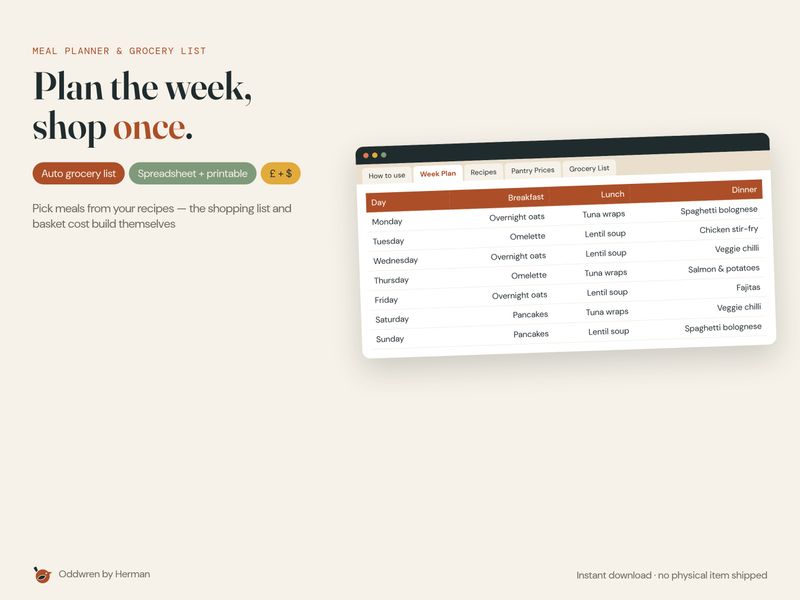
Plan the week, shop once.
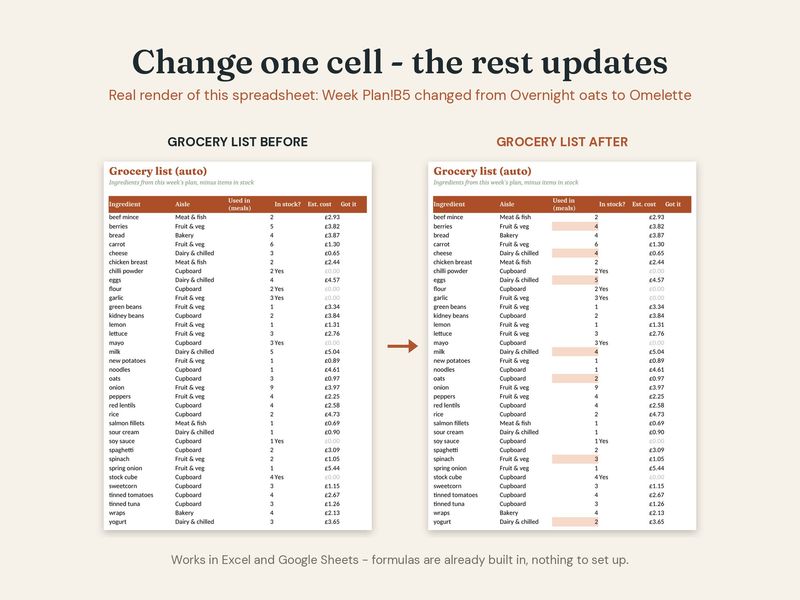
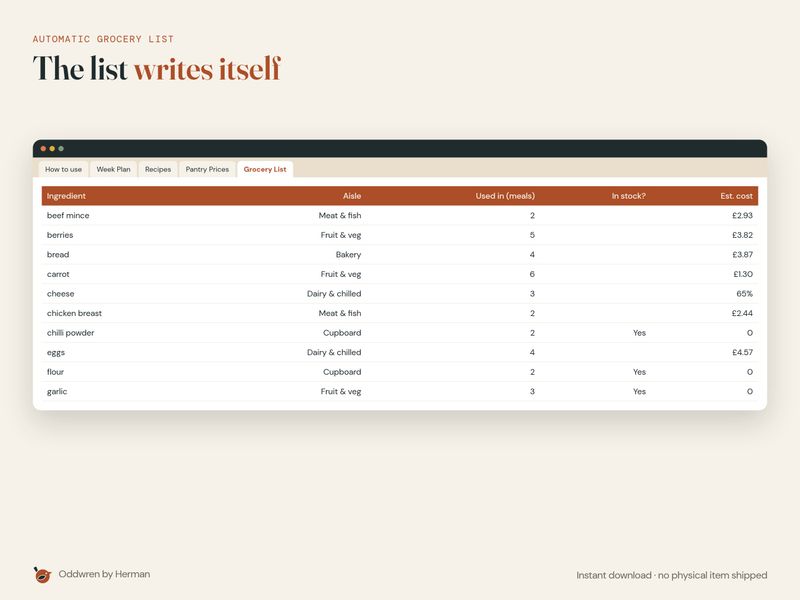
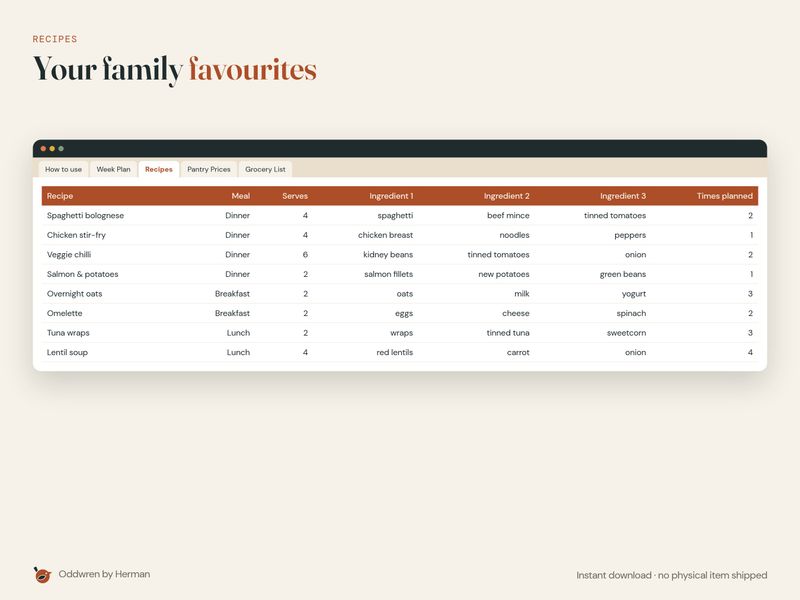
Add your family recipes once. Each week pick breakfast, lunch and dinner from drop-downs and the grocery list builds itself — every ingredient you need, grouped by aisle, minus what's already in your cupboard — with an estimated basket cost against your weekly budget.
What you get
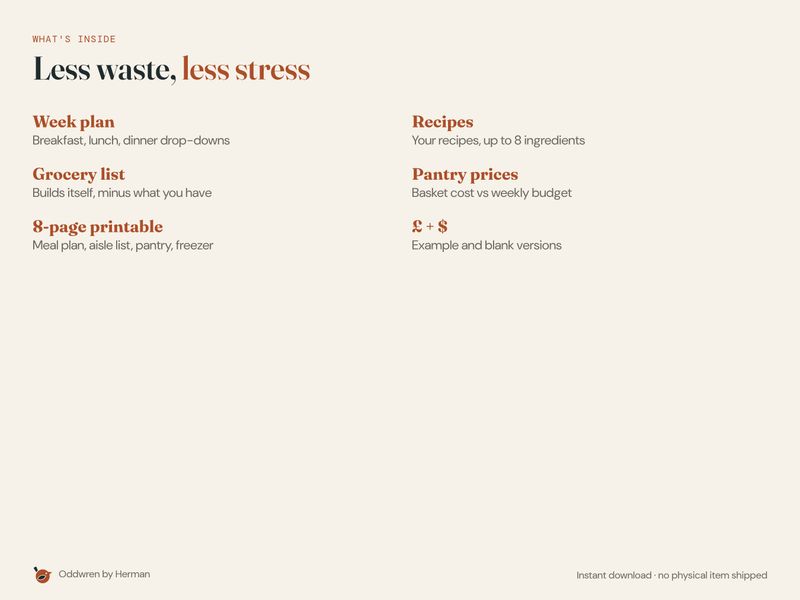
- Excel & Google Sheets file (£ and $), example + blank
- Week Plan · Recipes · Pantry Prices · automatic Grocery List · How-to
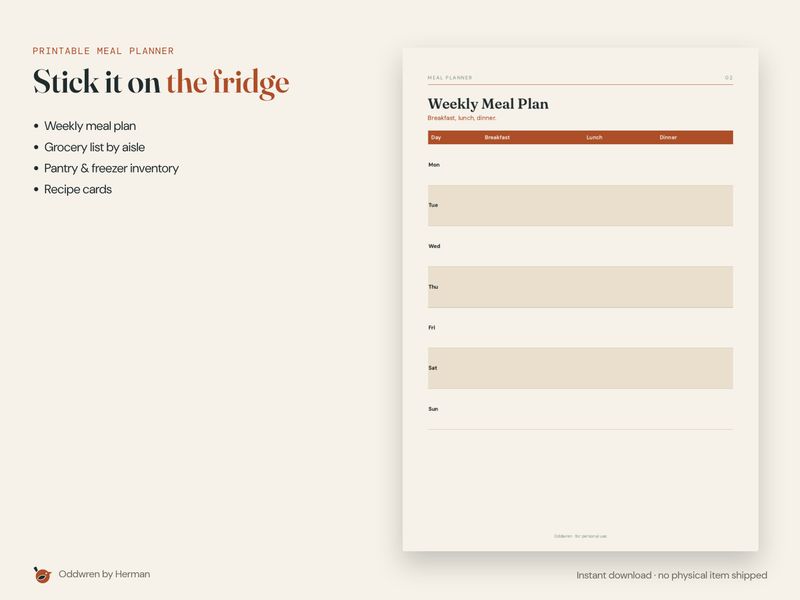
- 8-page printable (one universal file for A4 and US Letter): weekly meal plan, grocery list by aisle, pantry & freezer inventory, recipe card, meal ideas, food budget
- Quick-start PDF
How it works
- Download after purchase.
- Open in Excel or Google Sheets; print the pages at 100%.
Please note
- Digital download — no physical item is shipped.
- Personal use only; please don't resell or share the files.
- Colours may vary slightly between screens and printers.
- Because this is a digital file, returns aren't accepted, but if anything is wrong with a file, message me and I'll fix it.
How this was made
Designed by Oddwren (a small UK shop in Portsmouth). I use AI-assisted tools for drafting text and layout ideas; every page, formula and mockup was checked and finished by hand. Mockup images show the real files.